
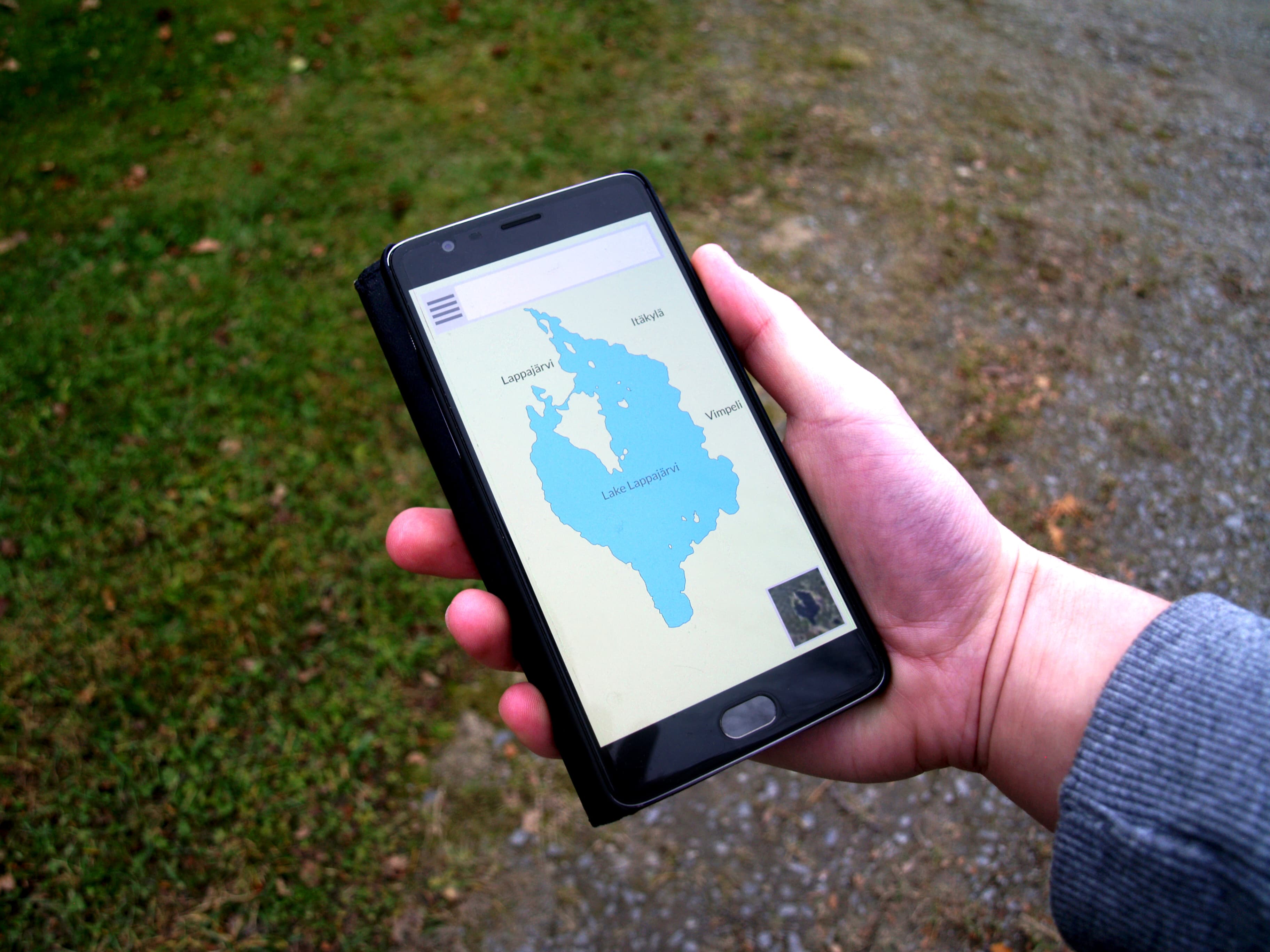
Google Maps does not work properly in mainland China, and the app that actually runs the country is Amap, also known as Gaode (高德地图). The good news: since January 2025 Amap has an official international version with an English interface (and about 15 languages in total), so a foreign traveler can finally navigate Beijing the way locals do, including hailing taxis inside the app and paying with the international version of Alipay.
This guide covers installing the right version, the functions that matter at Beijing Daxing and in the city, and the few quirks to expect.
Why not Google Maps
In mainland China Google services are blocked without a VPN, and even with one, Google's China map data is outdated and offset, so walking directions can put you on the wrong block. Apple Maps works for iPhone users because it licenses Amap's data, and that is a decent fallback. But the full toolset, with live buses, metro exits, and in-app taxis, lives in Amap itself.
Installing the right version
| Situation | What to do |
|---|---|
| iPhone, anywhere | App Store, search "Amap", install; switch language in the app settings |
| Android, before the trip | Google Play, search "Amap" or "AMap Global", install at home |
| Android, already in China | Google Play is blocked; use Huawei AppGallery, Xiaomi or Oppo stores, searching 高德地图 |
Install before you fly: it saves you wrestling with Chinese app stores on arrival. The app needs an internet connection for live data, so sort out connectivity first; our guide to WiFi, eSIM and staying connected at PKX covers the options, including eSIMs that work without a VPN.
The functions that matter
Search in English or pinyin. Type "Beijing Daxing Airport", "Forbidden City" or pinyin like "Wangfujing" and the app resolves it; results show English labels where they exist. Hotel names sometimes work better in pinyin or Chinese, so keep your booking confirmation handy to copy from.
Public transport routing is the killer feature. Amap shows metro routes with the correct exit number (Chinese stations can have a dozen exits, and the right one saves a 10-minute detour), live bus arrival times, and fare totals. For the trip from Daxing it knows the Airport Express and the intercity trains.
Taxi hailing without a Chinese app. The Ride (打车) tab calls regular taxis and DiDi-style cars. Link the international version of Alipay (sign-up works with a foreign card) and the fare settles automatically, with the exchange handled for you. This solves the classic problem of street taxis and language: the driver gets your destination from the app.
Navigation modes. Walking, cycling, and driving navigation work as you would expect; voice guidance in English is available in the international version.
Quirks to expect
Like all Chinese map apps, Amap applies the mandated coordinate offset internally, so locations are accurate inside the app even where Google's are not. English coverage is strongest in big cities and around transport hubs like Daxing, and thinner for small restaurants and villages, where pinyin search wins. And the app is hungry for permissions on first launch; location is the only one it truly needs.
Frequently asked questions
Is Amap free?
Can I use Amap without a Chinese phone number?
Does Amap work at Beijing Daxing Airport?
Is there an offline mode?
Sources
Details verified against the app and current references in June 2026. Apps change fast; if a menu looks different, the function names above still point you the right way. This is an independent guide and is not affiliated with Amap or the airport. Photo: Santeri Viinamäki, CC BY-SA 4.0, via Wikimedia Commons.